How Much Does It Cost to Build an IPTV App? What Drives the Price
What an IPTV or OTT app costs depends on platforms, features, design and maintenance. Here is what each adds and how to control your budget.
There is no single price
Asking what an IPTV app costs is like asking what a house costs: it depends on the size, the location and the finish. The good news is that the cost drivers are predictable. Once you know them, you can decide where to spend and where to save.
1. Number of platforms
This is the biggest factor. Android TV and Fire TV share a lot of code, but Apple TV, iOS, Samsung Tizen, LG webOS, Roku and the web are each separate projects with their own languages, design rules and app store reviews. Each platform you add increases both the build cost and the yearly maintenance.
Start with the devices your customers actually use. For most IPTV services that means Android TV boxes and Firesticks first, then phones, then Smart TVs.
2. Features
A basic player needs live TV with categories, films and series, search and a programme guide (EPG). Each extra feature adds cost: catch-up and recording, multi-screen viewing, parental PINs and profiles, subtitles and audio-track switching, casting from phone to TV, voice search, AI recommendations and VR support.
List your features as must-have, should-have and later. Launch with the must-haves.
3. Design and branding
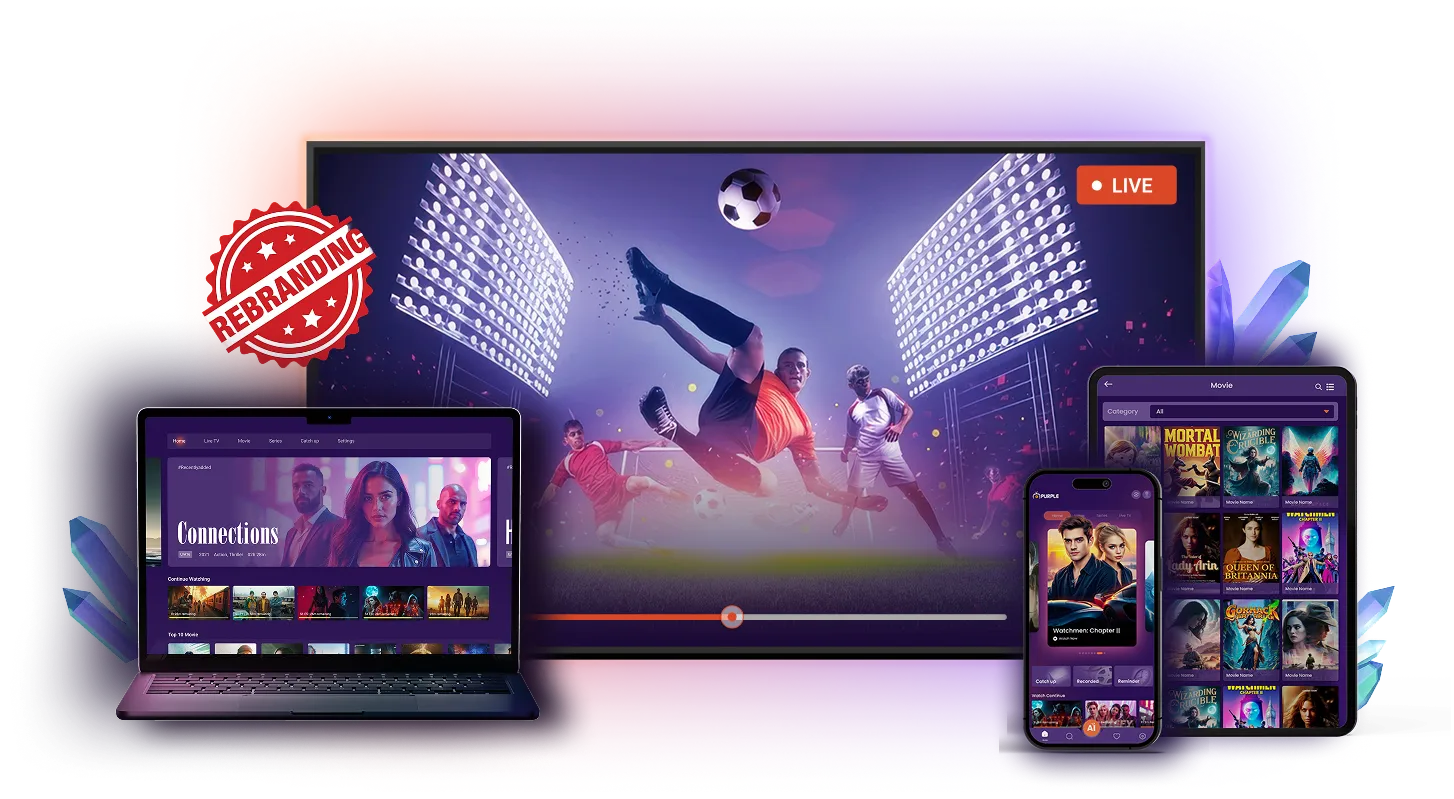
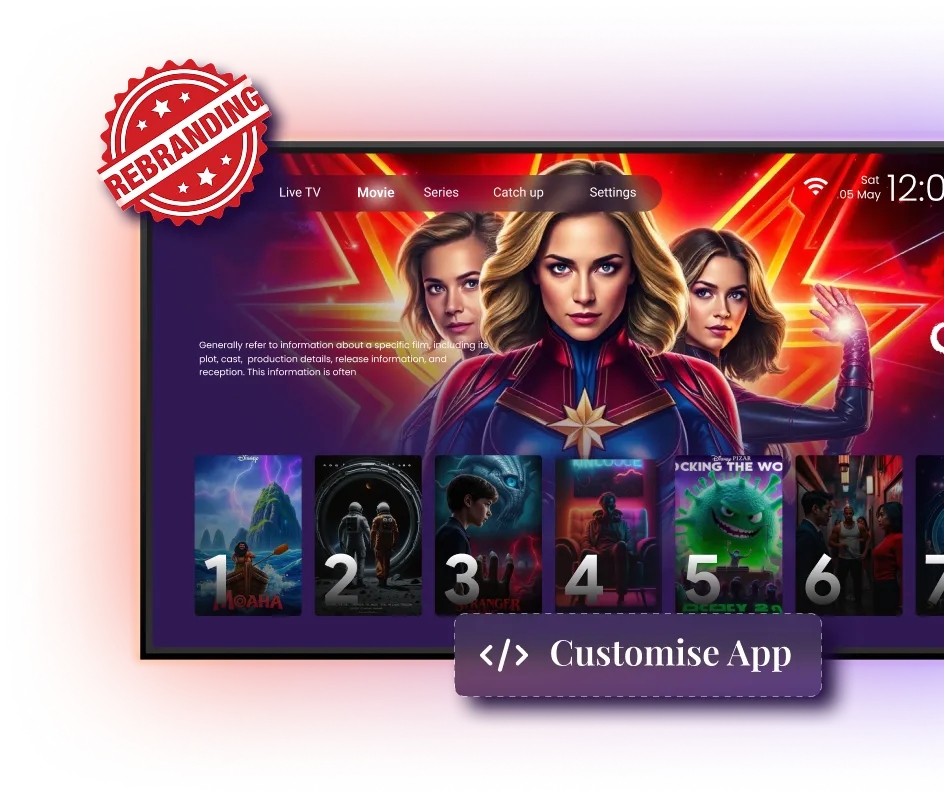
A rebrand of an existing interface (logo, colours, splash screen, app name) is quick and affordable. A completely new interface needs a designer, many more screens and more testing, especially on TVs, where everything must work with a remote control.
4. Backend and content management
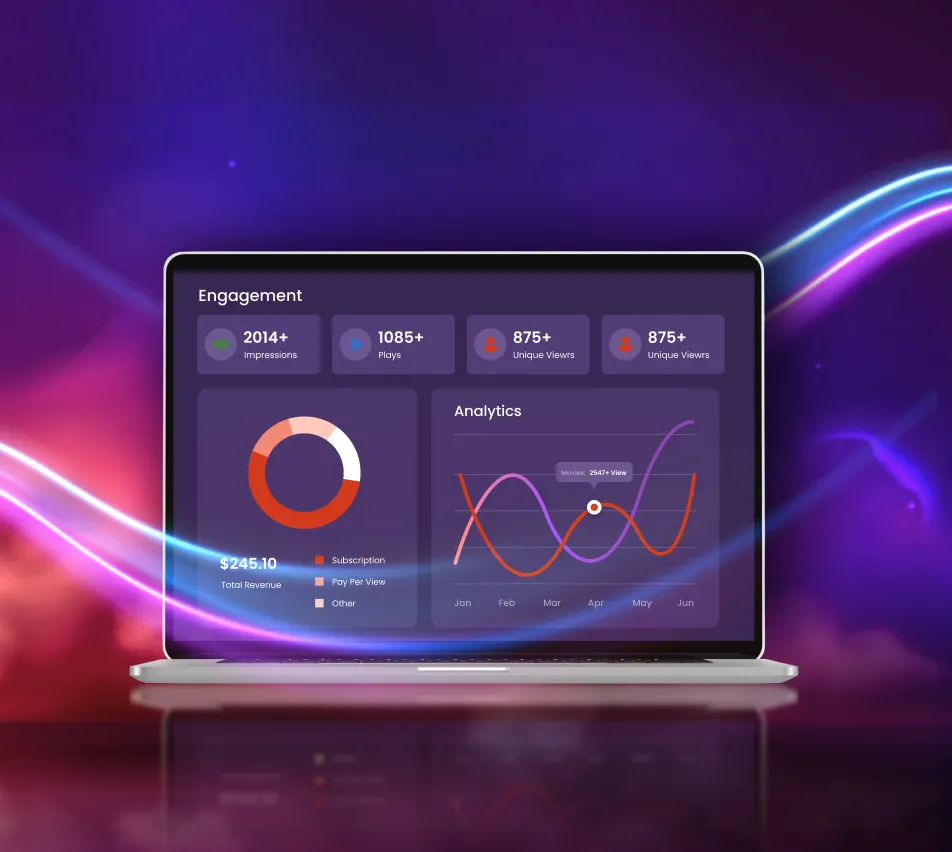
The app needs something to talk to. If you already run a middleware panel with M3U or Xtream Codes support, a player can connect to it directly. If you need a custom content management system, subscriber management, payments or analytics, that is a separate piece of work.
5. Maintenance after launch
Budget for the years after launch, not just the build. Android, tvOS and Smart TV systems update every year, app stores change their policies, and new devices appear. An app that is not maintained will stop working on new devices and may be removed from stores.
How to keep the cost down
Rebranding a proven player removes most of the build cost, covers many platforms at once and includes maintenance. You can then put your budget into what makes you different: your content, your marketing and any custom features your customers really want. See white-label vs custom apps for a side-by-side comparison, or contact us for a quote based on your platforms and features.
Frequently asked questions
What is the cheapest way to get an IPTV app?
Rebranding an existing, tested player with your logo, name and colours. It avoids building from scratch and usually covers several platforms at once.
Which platforms should I build for first?
The devices your customers use most. For most IPTV services that is Android TV boxes and Firesticks, followed by phones and Smart TVs.
Are there ongoing costs after launch?
Yes. Apps need updates for new operating system versions, devices and app store rules. Plan for maintenance from the start, or choose a provider that includes it.